

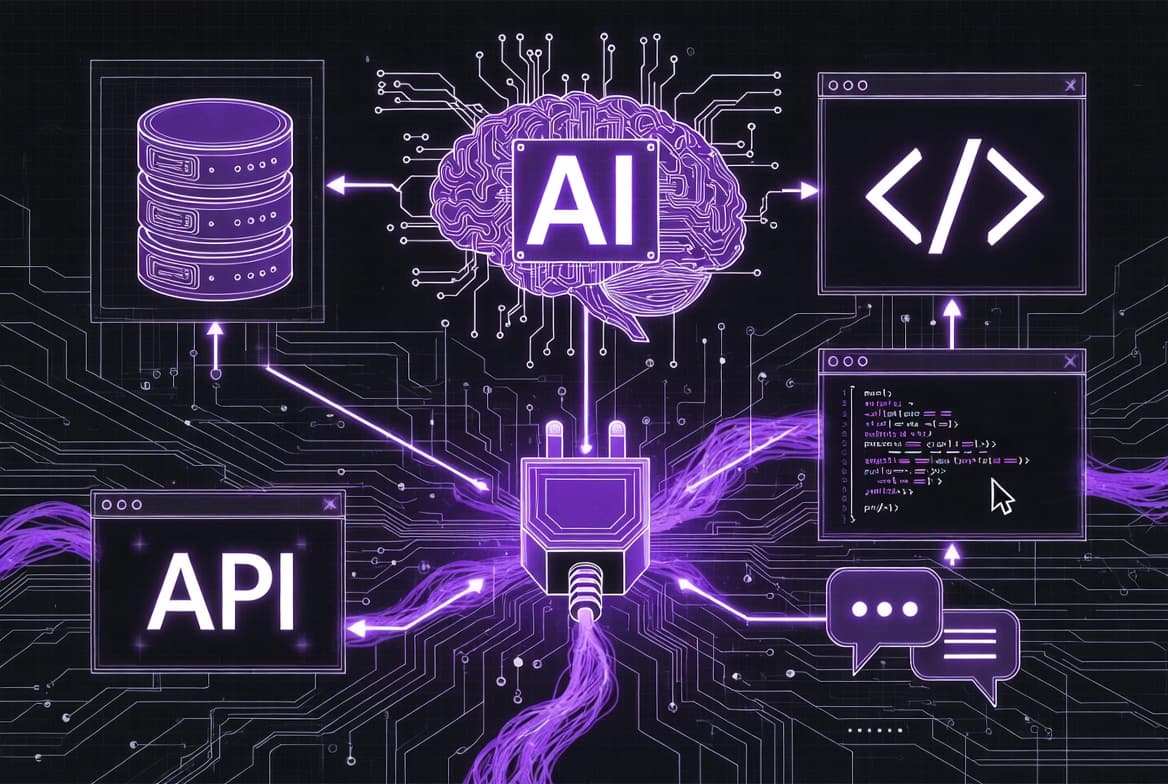
Your AI Is Smart. But It Can’t Do Anything.
You’ve seen the demos. AI that writes code, summarizes documents, answers complex questions. Impressive — until you actually try to connect it to your company’s database. Or your GitHub repos. Or your Slack workspace. Or your CRM. Suddenly, the world’s most intelligent language model becomes a very expensive chatbot that can’t access any of your real data.
Every integration is custom. Every connection is fragile. Every new tool means starting from scratch.
This is the problem that Model Context Protocol (MCP) was built to solve. Created by Anthropic and released as an open standard, MCP is rapidly becoming the universal language for how AI agents talk to the outside world — your tools, your data, your APIs, your entire tech stack.
Think of it as USB for AI. One protocol to connect them all.
The Problem: AI Models Are Brilliant but Isolated
Large language models are extraordinarily capable at understanding and generating text. But they have a fundamental limitation: they exist in a sandbox. They can’t see your files, query your database, trigger your CI/CD pipeline, or post a message in your Slack channel — unless someone builds a specific integration for each of those things.
The Integration Fragmentation Problem
Before MCP, if you wanted Claude to access your PostgreSQL database, you wrote custom code. If you also wanted it to access GitHub, you wrote different custom code. Slack? More custom code. Each AI application had to reinvent the wheel for every single data source. This is the same N×M problem that USB solved for hardware: before USB, every device needed its own proprietary cable and driver.
The Context Window Isn’t Enough
Some developers try to work around isolation by stuffing everything into the context window — copy-pasting database schemas, file contents, and API responses into prompts. This is expensive, error-prone, hits token limits quickly, and doesn’t allow the AI to take actions. The AI can read what you pasted, but it can’t query fresh data or execute commands.
Security and Control Are Afterthoughts
Ad-hoc integrations rarely have proper access controls. Who decides what the AI can read? Can it modify data or just view it? Is there an audit trail? With custom integrations, these critical questions are handled inconsistently — or not at all.
What Is MCP? The USB Standard for AI
Model Context Protocol (MCP) is an open standard created by Anthropic that defines how AI applications communicate with external data sources and tools. It provides a universal, standardized way for AI models to discover and use tools, access data, and execute actions — without requiring custom integration code for every connection.
MCP Host — The AI application (Claude Desktop, Cursor, your custom app) that wants to access external capabilities
MCP Client — The protocol client embedded in the host that manages connections to servers
MCP Server — A lightweight program that exposes specific capabilities (database access, API calls, file operations) through the standardized protocol
When Claude Desktop connects to an MCP server for PostgreSQL, it doesn’t need to know anything about SQL drivers or connection pooling. The MCP server handles all of that and exposes a clean, standardized interface. The AI just says “query this table” and gets structured results back.
MCP is open source and protocol-level. It’s not locked to Anthropic or Claude. Any AI model, any application, any tool can implement MCP. This is what makes it a true standard rather than a proprietary feature.
How the Connection Works
The AI host discovers available MCP servers and their capabilities through a standardized handshake
The MCP server advertises what it can do: what resources it exposes, what tools it offers, what prompt templates it provides
The AI model sees these capabilities as available actions it can take during a conversation
When the model decides to use a tool, the request flows through the MCP client to the appropriate server, which executes it and returns results
The entire flow is standardized. Build one MCP server for your tool, and every MCP-compatible AI application can use it immediately.
The 3 Primitives: Resources, Tools, and Prompts
MCP organizes everything an AI might need into three core primitives. Understanding these is key to understanding the protocol.
1. Resources — Data the AI Can Read
Resources are data sources the AI can access: files, database records, API responses, live system metrics, log outputs. They’re read-only by default and identified by URIs. Think of them as the “nouns” — the things the AI can see and reference.
file:///project/src/index.ts, postgres://db/users/schema, slack://channels/general/messages2. Tools — Actions the AI Can Take
Tools are functions the AI can execute: run a database query, create a GitHub issue, send a Slack message, deploy a service. They’re the “verbs” — the things the AI can do. Each tool has a defined input schema and returns structured output.
query_database, create_github_issue, send_slack_message, run_terminal_command3. Prompts — Reusable Interaction Templates
Prompts are pre-defined templates that help the AI interact with specific tools or resources effectively. They encode best practices and domain knowledge into reusable patterns. Think of them as “recipes” that tell the AI the best way to accomplish common tasks with specific tools.
analyze-database-performance, review-pull-request, debug-error-logsThese three primitives cover nearly every interaction between an AI and external systems. Resources for reading, Tools for acting, Prompts for guiding. This simplicity is deliberate — a small set of well-defined building blocks is far more powerful than a sprawling, complex API.
MCP vs Alternatives: When to Use What
| Aspect | MCP (Anthropic) | ACP (IBM) | A2A (Google) |
|---|---|---|---|
| Primary Purpose | Connect AI to tools and data sources | Agent-to-agent communication and orchestration | Agent-to-agent discovery and collaboration |
| Architecture | Client-server (AI app ↔ tool server) | Agent-to-agent mesh | Agent-to-agent via Agent Cards |
| Key Strength | Universal tool/data access for any AI | Enterprise multi-agent workflows | Cross-platform agent interoperability |
| Best For | Giving AI access to databases, APIs, files, dev tools | Orchestrating multiple AI agents in enterprise | Enabling agents from different vendors to collaborate |
| Maturity (2026) | Production-ready, 1000+ integrations | Early adoption, IBM ecosystem | Growing adoption, Google ecosystem |
| Open Standard | Yes (open source) | Yes (Linux Foundation) | Yes (open specification) |
Important: These protocols are complementary, not competing. MCP connects AI to tools. ACP and A2A connect AI agents to each other. A mature AI system might use all three: MCP for tool access, A2A for cross-vendor agent communication, and ACP for enterprise agent orchestration.
Real-World MCP in Action: 5 Practical Examples
1. Database Access — AI That Queries Your Data Directly
An MCP server for PostgreSQL lets your AI agent explore database schemas, run read queries, and analyze results — all through natural language. Ask Claude “What were our top 10 customers by revenue last quarter?” and it writes the SQL, executes it through the MCP server, and returns formatted results. No copy-pasting data into prompts.
2. GitHub Integration — AI-Powered Code Workflows
The GitHub MCP server gives AI agents access to repositories, pull requests, issues, and code. Claude can review a PR, suggest changes, create issues for bugs it finds, and even push commits — all within a conversation. Developers use this to automate code reviews, triage issues, and manage release workflows.
3. Slack — AI That Participates in Your Team Communication
With the Slack MCP server, an AI agent can read channel histories, summarize conversations, respond to questions, and post updates. Imagine an AI that monitors your #support channel, automatically categorizes issues, drafts responses, and escalates critical problems — all in real-time.
4. File System — AI That Works With Your Local Files
The filesystem MCP server lets AI read, search, and (with permission) modify files on your machine. This is what powers tools like Claude Code and Cursor — the AI can navigate your codebase, understand project structure, and make targeted edits across multiple files.
5. Custom APIs — AI Connected to Your Business Logic
Any REST or GraphQL API can be wrapped in an MCP server. Your internal CRM, inventory system, analytics dashboard, payment processor — all become accessible to AI through a standardized interface. This is where MCP becomes transformative for businesses: your AI assistant isn’t limited to generic knowledge — it has access to your specific business data and operations.
Building Your First MCP Server: A Practical Overview
Building an MCP server is surprisingly straightforward. The official SDK handles protocol details, so you can focus on what your server actually does. Here’s the general approach:
Step 1: Choose Your Stack
MCP servers can be built in TypeScript/Node.js (most popular), Python, Go, Rust, or any language that can handle JSON-RPC over stdio or HTTP. The official Anthropic SDKs for TypeScript and Python are the most mature.
Step 2: Define Your Capabilities
Decide what resources, tools, and prompts your server will expose. Start small — a server with 2-3 well-defined tools is more useful than one with 20 poorly-defined ones. Each tool needs a clear name, description, and input schema.
Step 3: Implement the Server
Use the MCP SDK to create a server instance, register your tools with their handlers, and start the transport (stdio for local, SSE/HTTP for remote). The SDK handles protocol negotiation, message framing, and error handling.
Step 4: Test with an MCP Client
Connect your server to Claude Desktop, Cursor, or the MCP Inspector tool to test. Verify that tools appear correctly, inputs are validated, and responses are properly formatted. Test error cases — what happens when the database is down or the API returns an error?
Step 5: Deploy and Distribute
Local servers run alongside the AI application via stdio. Remote servers can be deployed as HTTP services with SSE transport, enabling cloud-hosted MCP servers that multiple clients can connect to. Package your server for npm or PyPI so others can use it.
Pro tip: Start with the MCP Inspector (npx @modelcontextprotocol/inspector) to debug and test your server interactively before connecting it to an AI application. It shows you exactly what the AI sees.
The MCP Ecosystem: Who Supports It
MCP adoption has exploded since its release. Here are the major players:
Claude Desktop & Claude Code
Anthropic’s own applications were the first MCP hosts. Claude Desktop supports connecting to multiple MCP servers simultaneously, giving Claude access to your local files, databases, and tools. Claude Code uses MCP to power its development capabilities.
Cursor
The AI-powered code editor has deep MCP integration. Developers can add MCP servers to give Cursor’s AI access to custom documentation, internal APIs, and project-specific tools — making it significantly more useful for enterprise development.
VS Code (GitHub Copilot)
Microsoft added MCP support to VS Code through GitHub Copilot’s agent mode. This brings MCP to the world’s most popular code editor, dramatically expanding the protocol’s reach among developers.
Windsurf, Zed, Cline & Others
The list of MCP-compatible editors and AI tools is growing rapidly. Windsurf, Zed, Cline, Continue, and many more have added MCP support — creating a network effect where every new MCP server instantly works with dozens of AI applications.
Enterprise Platforms
Companies like Block, Apollo, Replit, and Sourcegraph have built MCP servers for their platforms. Enterprise adoption is accelerating as companies realize MCP eliminates the need to build custom AI integrations for every tool in their stack.
Ready to Connect Your AI to the Real World?
MCP is not a future technology — it’s production-ready today. Businesses that adopt it now are giving their AI assistants superpowers: access to real data, the ability to take real actions, and seamless integration with existing tools and workflows.
The question isn’t whether your AI needs tool access — it’s how fast you can implement it.
Need Custom MCP Integrations for Your Business?
I build custom MCP servers that connect your AI agents to your specific databases, APIs, and internal tools. Whether you need a single integration or a complete AI-powered workflow, let’s make your AI actually useful.