

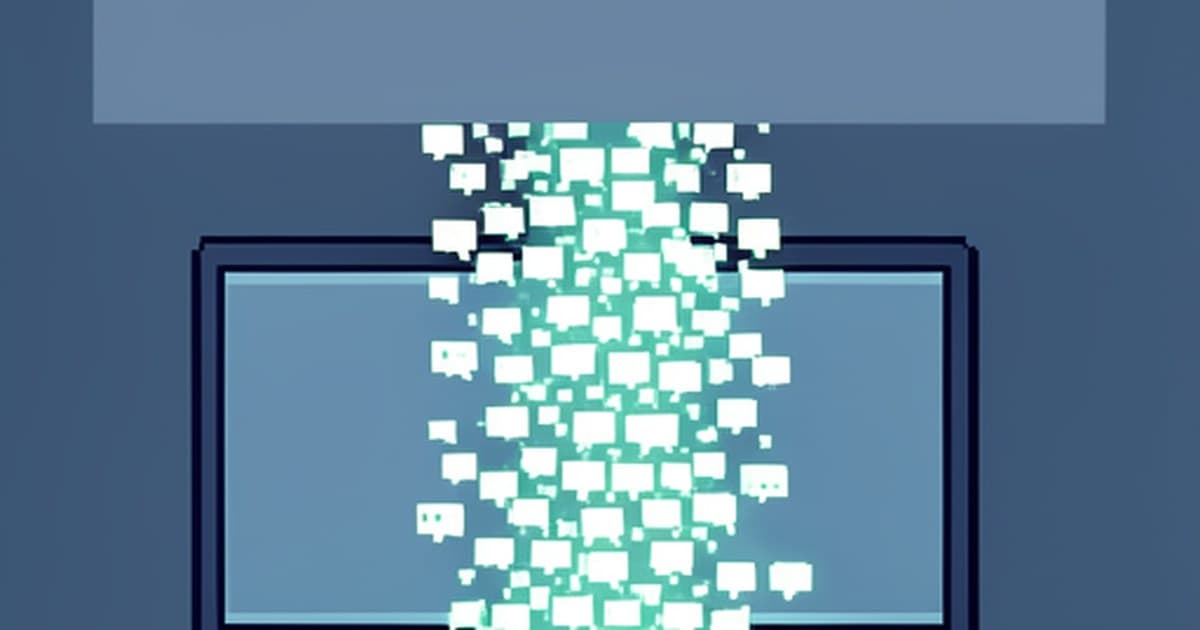
Every chatbot demo looks instant until you ship it. The difference between a toy that prints a whole answer after eight seconds of silence and a product users love is one technique: streaming tokens to the screen as the model generates them.
In this deep-dive I show you how to build a streaming AI chatbot with Next.js and the Vercel AI SDK (v7, current in 2026): the route handler, the useChat hook, the message parts model, and the production checklist I ship with.
1. The Problem: Blocking Responses Feel Broken
A naive chatbot waits for the full completion, then renders it. With real models that means 3 to 10 seconds of dead UI: no feedback, no progress, no trust. Users retry, double-submit, or leave — and every retry bills you for another full generation.
The Most Common Mistake
Treating the chat endpoint like a REST endpoint that returns JSON. Chat is a stream, not a request/response pair. If your /api/chat buffers the whole answer before responding, you have rebuilt the worst part of the 2023-era demos.
Streaming fixes both the perception and the engineering: first token in roughly 300ms, tokens rendering live, one HTTP round trip over a ReadableStream. The Vercel AI SDK owns this plumbing for you — server helpers to produce the stream, and the useChat hook to consume it.
2. Minimal Concepts (Five Minutes)
You only need six ideas before touching code. Everything else in the SDK is a variation of these, so learn them once and the tutorial below reads itself.
UIMessage
ai · client type
The message shape your UI owns: id, role, and a parts array carrying text, tool calls, and reasoning in generation order.
streamText
ai · server core
Runs the model with token streaming. Returns a result whose stream you pipe to the client — never await the full text.
convertToModelMessages
ai · adapter
Strips UI metadata like timestamps and sender info, converting UIMessage[] into the ModelMessage[] the model expects.
createUIMessageStreamResponse
ai · transport
Serializes the model stream into the UI-message protocol with toUIMessageStream and returns it as a streaming HTTP response.
useChat
@ai-sdk/react · hook
Client state for the whole chat: messages, sendMessage, status, error. Defaults to POST /api/chat — no fetch code needed.
message.parts
render this, not .content
Each message renders from its parts array: switch on part.type (text, tool calls, reasoning) and render each piece in order.
The Mental Model
Client owns UIMessage[] and POSTs it to /api/chat. The server converts to model messages, streamText generates tokens, the UI-message stream flows back over one HTTP round trip, and useChat appends parts live. First token in roughly 300ms.
3. The Tutorial, Step by Step
Fresh Next.js App Router project to streaming chat in six steps. I verified every import against the official AI SDK v7 docs — useChat comes from @ai-sdk/react, never from the removed ai/react path.
🛠️ Build Steps
Step 1 · Scaffold
Run pnpm create next-app@latest my-ai-app, accept App Router and Tailwind, then cd my-ai-app. Node 22 or newer is required — the ai package engines field enforces it.
Step 2 · Install
Run pnpm add ai @ai-sdk/react zod. The Gateway provider ships inside ai; add @ai-sdk/openai only if you call OpenAI directly.
Step 3 · API key
Create .env.local with AI_GATEWAY_API_KEY=xxxxxxxxx for one-key access to hundreds of models. Never commit this file to git.
Step 4 · Route handler
Create app/api/chat/route.ts: parse UIMessage[], call streamText, return createUIMessageStreamResponse. Full code in section 4.
Step 5 · Chat UI
Replace app/page.tsx with a client component using useChat and sendMessage, rendering message.parts. Full code in section 4.
Step 6 · Run
Run pnpm run dev, open http://localhost:3000, send a message. Tokens render live — that streaming loop is the whole foundation.
🛡️ Harden Before You Ship
maxDuration = 30
Export maxDuration from the route file so the serverless function lives long enough to finish streaming.
Rate limit /api/chat
Ten requests per minute per IP with an Upstash sliding window. An open chat URL without limits is someone else’s free API.
Require auth
Check the session before calling streamText. Any client that discovers the URL can otherwise spend your model budget.
📚 API Surface Cheat Sheet
streamText
Server generation with streaming
convertToModelMessages
UIMessage[] to ModelMessage[]
createUIMessageStreamResponse
Streaming HTTP response
toUIMessageStream
Result stream to UI protocol
useChat
messages, sendMessage, status, error
sendMessage
sendMessage({ text: input })
Tip: Gateway First, Provider Later
Start with the AI Gateway string model IDs and one API key. Swap to a direct provider only when you need provider-specific options — your route code barely changes.
4. The Two Files, Explained
Two files carry the whole feature. Read them once and you will never cargo-cult chatbot code again — every line below comes from the official v7 quickstart.
🖥️ Server: app/api/chat/route.ts
POST plus UIMessage[]
Parse { messages } from the request body. The history gives the model its context — no database needed for single sessions.
streamText
Call it with a model ID and converted messages. Tools and stopWhen slot in later; the streaming shape stays identical.
convertToModelMessages
The bridge between UI types and model types. Skip it and the model chokes on metadata it never asked for.
toUIMessageStream
Turns result.stream into the UI-message protocol the hook understands on the other end.
maxDuration
Export maxDuration = 30 so the platform does not kill long generations mid-stream.
💬 Client: app/page.tsx
useChat plus sendMessage
The hook defaults to POST /api/chat. Local useState holds the input; sendMessage({ text: input }) fires the round trip.
message.parts
Render parts, never a content string. Switch on part.type so text, tools, and reasoning each get their own UI.
use client
The page must be a client component — streaming interactivity needs browser JavaScript.
Status plus error
The hook exposes status and error. Wire them to a typing indicator and a retry button before you ship.
Full server code — app/api/chat/route.ts
import {
  streamText,
  UIMessage,
  convertToModelMessages,
  createUIMessageStreamResponse,
  toUIMessageStream,
} from "ai";

export const maxDuration = 30;

export async function POST(req: Request) {
  const { messages }: { messages: UIMessage[] } = await req.json();

  const result = streamText({
    model: "xai/grok-4.6",
    messages: await convertToModelMessages(messages),
  });

  return createUIMessageStreamResponse({
    stream: toUIMessageStream({ stream: result.stream }),
  });
}
Full client code — app/page.tsx
"use client";

import { useChat } from "@ai-sdk/react";
import { useState } from "react";

export default function Chat() {
  const [input, setInput] = useState("");
  const { messages, sendMessage } = useChat();

  return (
    <div>
      {messages.map((message) => (
        <div key={message.id}>
          {message.role === "user" ? "User: " : "AI: "}
          {message.parts.map((part, i) => {
            if (part.type === "text") {
              return <div key={message.id + "-" + i}>{part.text}</div>;
            }
            return null;
          })}
        </div>
      ))}
      <form
        onSubmit={(e) => {
          e.preventDefault();
          sendMessage({ text: input });
          setInput("");
        }}
      >
        <input
          value={input}
          placeholder="Say something..."
          onChange={(e) => setInput(e.currentTarget.value)}
        />
      </form>
    </div>
  );
}
Why not hand-rolled fetch plus useState?
Because you would reimplement cancellation, render batching, error recovery, and the SSE protocol by hand. useChat already handles all four — your code stays at the product layer.
5. Common Mistakes (All From Real Migrations)
The SDK shipped breaking changes in every major since v3, so most 2024-era tutorials now teach removed APIs. Here is the correction list I apply when porting old code.
Importing useChat from ai/react
That path was removed in v5 and nothing compiles. Import { useChat } from @ai-sdk/react — verify the import line before anything else.
Rendering message.content
Messages expose a parts array now. Map message.parts and switch on part.type — text parts carry part.text in generation order.
Returning toDataStreamResponse
The v4-era transport helpers are gone. Return createUIMessageStreamResponse with toUIMessageStream({ stream: result.stream }).
Shipping /api/chat unauthenticated
No session check and no rate limit means anyone who finds the URL spends your budget. Add both before any public deploy.
Skipping maxDuration
Default function timeouts can cut long streams mid-sentence. Export maxDuration = 30 in the route file and move on.
6. Production Checklist
Working locally is step one. Getting to reliable at scale means walking this list in order:
✅ Before You Ship
- 1. API key in .env.local, never committed, validated on boot
- 2. UI renders message.parts with text and tool states, never .content
- 3. Typing indicator from hook status, retry button from hook error
- 4. Rate limit plus auth on /api/chat before any public URL
📈 At Scale
- Timeouts: maxDuration = 30 on the route; retry with backoff or Gateway fallbacks
- Persistence: useChat is memory-only — save chats to Postgres or Supabase for cross-session history
- Resume: Add resumable streams so page reloads never lose an in-flight generation
🔁 Next Level
- Tools: Add a first tool with stopWhen for multi-step answers that use live data
- RAG: Embed the question, retrieve chunks, inject as context — same streaming pipeline
- Template: Need auth plus persistence plus multimodal now? Clone the official chatbot template
7. When This Stack Fits (and When It Doesn’t)
The AI SDK UI layer is the fastest path to streaming chat, but it is not every app. Calibrate before you commit:
✅ Reach for AI SDK UI
- • Next.js App Router plus React chat UI with token streaming
- • One provider today, maybe multi-provider tomorrow (Gateway makes swaps trivial)
- • Tools and multi-step agents as the natural next milestone
- • Prototypes that must look production-grade in an afternoon
- • Teams that want streaming, cancellation, and errors handled — not hand-rolled
❌ Skip it for now
- • Pages Router legacy apps — the quickstart targets App Router
- • Non-Node backends (Django, Rails, Go): use Core patterns, not the Next.js route code
- • Zero-code chatbots — clone the starter template instead of building
- • Long-running background agents — reach for Workflows or Sandbox, not a chat hook
- • Strict token budgets with no backend control — fix auth and limits first
Golden rule
If tokens are not on screen within roughly 300ms of send, the bug is in your transport, not your model. Verify the route returns a real stream, the client renders parts, and nothing buffers in between.
Conclusion
You now own the whole pipeline: UIMessage[] leaves the browser, convertToModelMessages adapts it, streamText generates tokens, the UI-message stream carries them back, and useChat renders parts live. Two files, no WebSockets, no manual SSE parsing.
Ship the six steps, apply the hardening trio (maxDuration, rate limit, auth), and fix the five migration mistakes if you are porting an old tutorial. From there, tools, persistence, and RAG bolt onto the same foundation — that is the real payoff of learning the current API instead of copying 2024 code.
What You Built: Summary
Server
- • app/api/chat/route.ts
- • streamText pipeline
- • maxDuration = 30
Client
- • useChat + sendMessage
- • message.parts rendering
- • status + error states
Next Steps
- • First tool + stopWhen
- • Chat persistence
- • RAG retrieval
Sources
Every API name and pattern above is verified against these references (August–September 2026):
